Here are the best free Windows 11 themes and skins to download from Microsoft Store. Information technology is of import to customize the await of your PC every bit it sets the feel to work on your system. Windows 11 is available for everyone with a new and improved look. You can further customize the look and feel of your Windows xi PC with some stunning and amazing themes and skins. There are plenty of free themes available to personalize your Windows 11 computer. You can choose the i as per your gustatory modality and liking.
To help you out, we are going to mention some skillful free themes for WIndows xi. All these themes are available on Microsoft Store and yous can easily download and install them. After installing them, yous tin can access and use them straight from the Themes settings on your PC. Let us now check out what are these free themes to personalize Windows xi look and feel.
Are Microsoft themes gratis?
All the mentioned themes in this post are from Microsoft and are absolutely free. There are some advanced themes that are paid but at a reasonable cost. To download and install themes from Microsoft, you can launch the Settings app and then go to the Personalization > Themes section. Here, you will come across a Browse themes button next to the Get more themes from Microsoft Store option. Simply click on this push and it volition open up various themes in the Microsoft Store app. You can browse through and get the ones you similar. You can also get the ones we take listed in this article.
TIP: How to Change the Theme in Microsoft Teams on Windows 11
Best Free Windows eleven Themes and Skins to Download from Microsoft Store
Here are the all-time free themes and skins that you can download and use on Windows 11:
- Mount Dwellings
- Chicks and bunnies
- Fish and Corals
- Bing Sunshine
- Bridges in Autumn
- Sun and Sand PREMIUM
- The Northern Lights
- Forest for the Copse
- Amazon Rainforest
- Embankment Time PREMIUM
1] Mount Dwellings
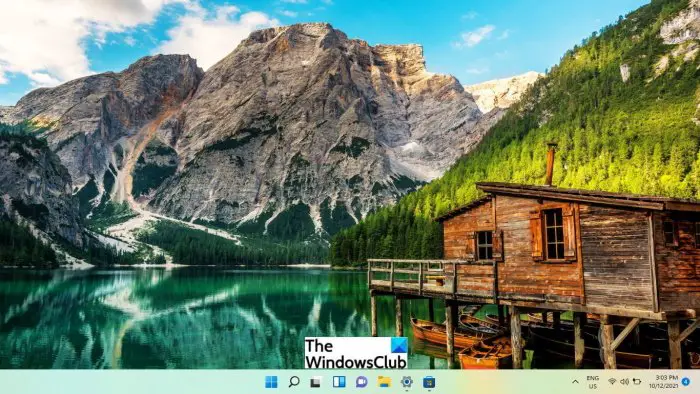
Effort the Mount Dwellings from Microsoft if you lot similar mountains. It is a nice free theme that is compatible with Windows 11 besides as Windows 10 14951.0 and higher builds. It comes with 12 different free images based on a mountains theme to give a warm and magnificent expect and feel to your PC.
It is most 11 MB in size. You can download and install it from hither. Once installed, yous can directly admission it from the Settings > Personalization > Themes department.
ii] Chicks and bunnies
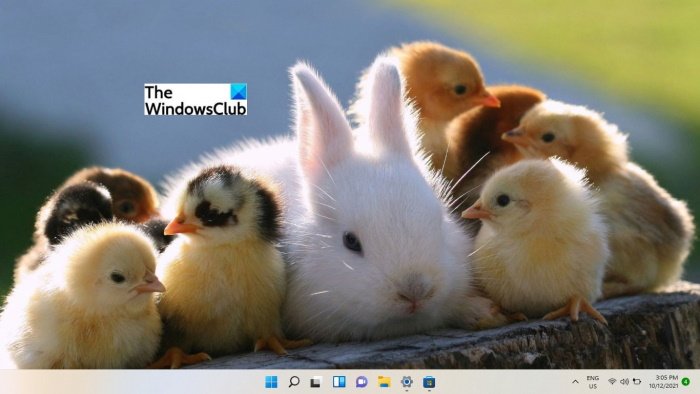
Do you similar adorable baby animals like bunnies and chicks? Transform your desktop with the cute Chicks and bunnies theme provided for free. This theme comes in a package of fourteen wallpaper images that keep changing when you turn on this theme on your PC. This theme is provided past Microsoft Corporation and y'all tin can install information technology from Microsoft Shop. After installing it, only get to the Settings > Personalization > Themes and select this theme to apply and apply information technology.
Become it from Microsoft Store.
3] Fish and Corals
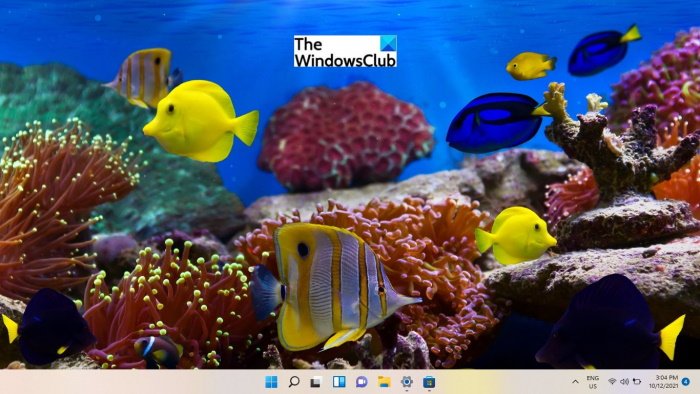
Fish and Corals is some other free theme that you tin use to customize the wait and experience of Windows xi. This theme is for those who like colorful pictures of coral reefs and fish. It has a total of 20 images that refreshes your mood with vibrant colors. It has a size of about 17 MB. Install it and apply this theme on your PC from the Personalization settings in Windows 11.
Get information technology here.
4] Bing Sunshine
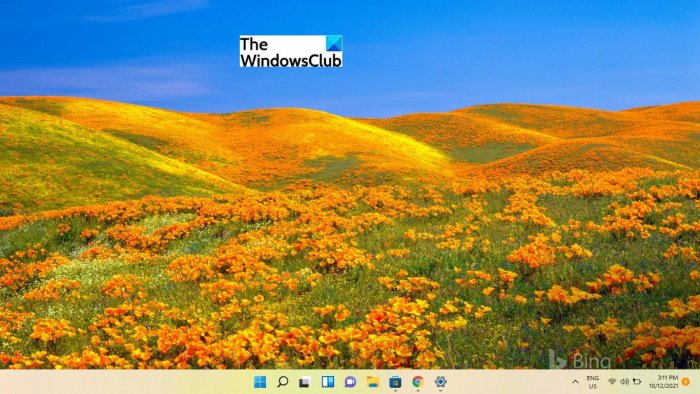
Equally the name suggests, Bing Sunshine is a bright-colored theme that shows rays of sunshine in stunning locations like California, Germany, etc. There is a fix of 10 different warm and lively photos included in this theme. When y'all apply this theme, the groundwork keeps on changing from one vibrant sunshine photo to another.
The adept affair is that it is just five.67 MB in size. Y'all can install it from Microsoft Store and so offset using it on your PC.
v] Bridges in Autumn
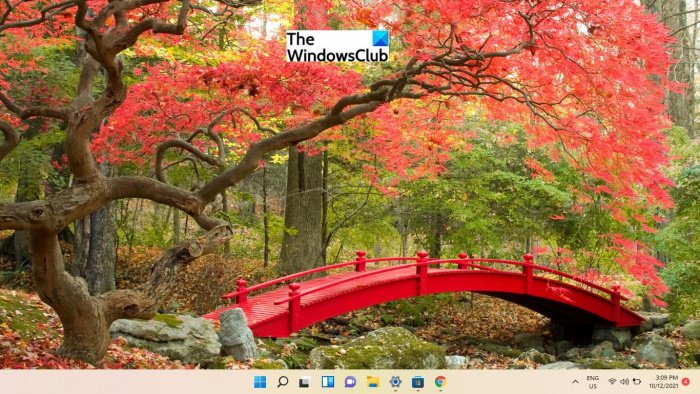
One of the common themes loved by a lot of people is the Fall theme. If you are also one of those, Bridges in Autumn is the theme for you. Endeavour this theme and give an enchanting and earthy look and feel to your Windows xi PC. It comes with 13-set pictures that show scenic routes across bridges in the Autumn flavor. Information technology is colored in mainly reds, golds, corals, and greens
Requite a serene bear on to your system by installing this gratis theme from here.
6] Sun and Sand PREMIUM
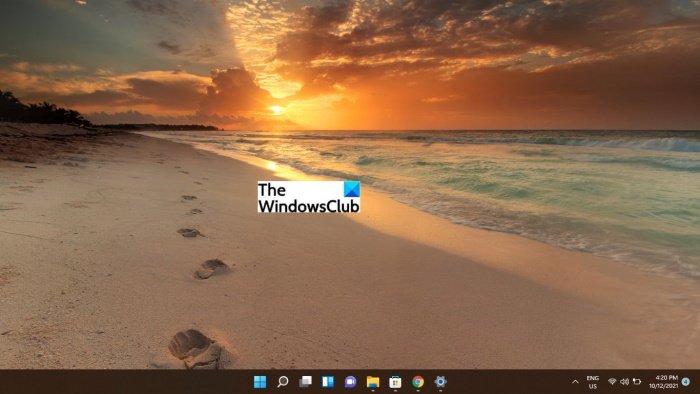
One more than free theme for Windows xi is Sun and Sand PREMIUM. Travel through Maldives and United mexican states without even being physically nowadays there. Information technology is a dainty and warm theme to use on your PC. Information technology includes x premium 4k images that volition provide a great look to your PC.
This nice Windows eleven theme can be downloaded from Microsoft Shop.
Read: How to alter to Night Manner theme background in Groove Music
7] The Northern Lights
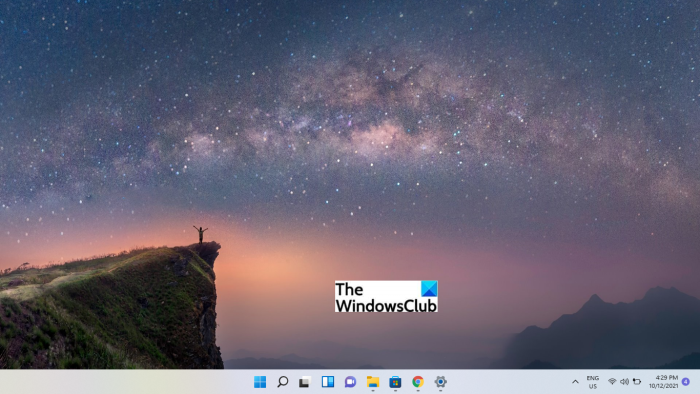
The Northern Lights is the theme for those who similar a darker theme. It includes pictures of the Aurora Borealis and the Milky Way from cute locations like Norway, Iceland, Thailand, and Death Valley, USA. The full theme consists of 15 different wallpapers to switch from. It is around 11 MB in size. You can become it from Microsoft Shop.
viii] Forest for the Copse
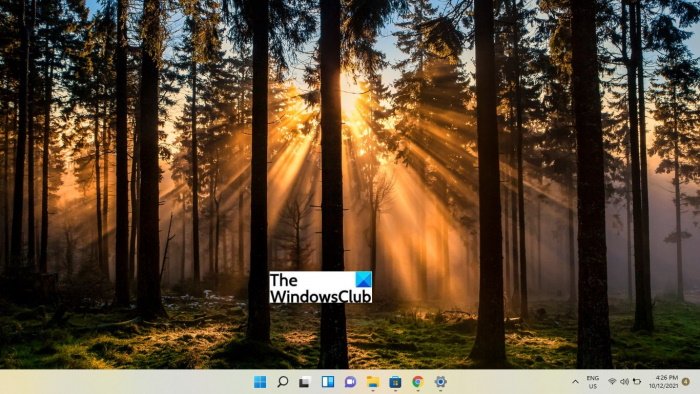
Wood for the Trees is 1 more costless theme for Windows xi that you can download from Microsoft Store. This theme is for those who love the green colour and of course, trees. You tin easily requite a wait of tropical forests to your PC. It contains a total of 20 images and has a size of 28.85 MB. So, as they say, go dark-green with this cool costless theme.
9] Amazon Rainforest
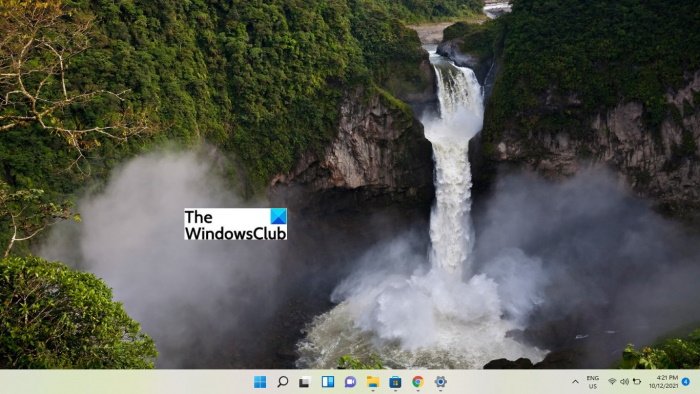
Install the Amazon Rainforest theme to go the stunning visuals of the Amazon River, the verdant foliage of Tortuguero, and other natural wonders. It is an xviii-epitome theme having a size of xiv.89 MB. You can download it here.
10] Beach Fourth dimension PREMIUM
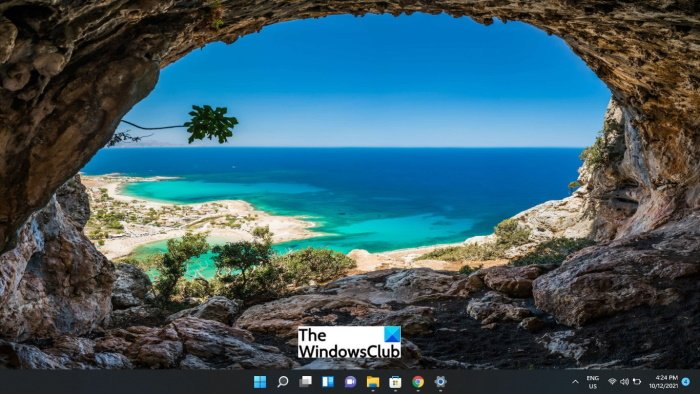
One more than free theme for Windows eleven is Beach Time PREMIUM. Who doesn't dearest beaches? Nosotros all do and Beach Time PREMIUM is the theme that yous need to try. Apply this theme and imagine yourself on the beaches across some charming locations. It contains 15 idyllic premium 4k images and has a 16.23 MB size. You can easily get this embankment theme for Windows xi hither.
How to utilise Themes in Windows 11?
You tin install these free themes from Microsoft Store and afterward that, you can get to the Settings app and apply any of the themes. Here are the steps to do that:
- Firstly, open the Settings app using the Windows + I hotkey.
- Now, get to the Personalization tab from the left-hand side panel.
- Afterwards that, select the Themes department.
- Yous volition see all installed and default themes here.
- Finally, select the theme you want to utilize and it volition use to your desktop.
You tin can also customize a theme by color, mouse cursor, sounds, and more.
Which is the all-time theme for Windows xi/ten?
It depends upon your liking. Some like the sight of beach and sand, while some like vibrance of sunshine. I personally prefer the Bridges in Autumn and Beach Time PREMIUM themes. You can install the theme based on the things you are fond of.
At present read:
- How to Download or Modify Windows 11 wallpapers.
- 10 Best Firefox themes to transform default UI.
DOWNLOAD HERE
Posted by: swickorythem.blogspot.com


0 Comments